
Adding Players
King Pong is nothing without its kings and queens. Before you can start a match, you need to tell the app who is actually playing.
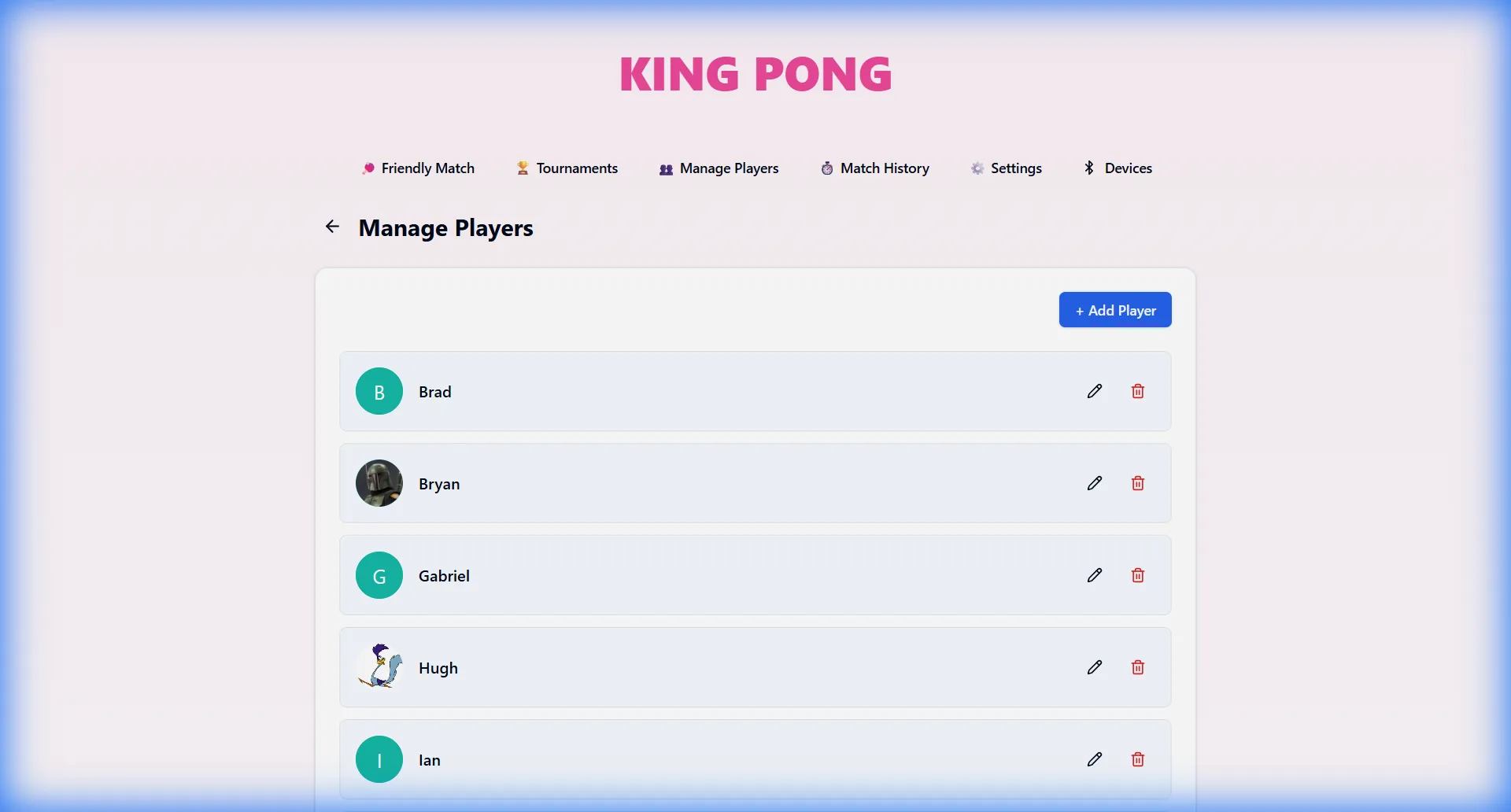
1. Go to Manage Players
Section titled “1. Go to Manage Players”In the main menu, click Manage Players. This is your roster headquarters.
2. Add a New Legend
Section titled “2. Add a New Legend”Click the Add Player card. It’s the one with the big plus sign (you can’t miss it).
3. Create the Profile
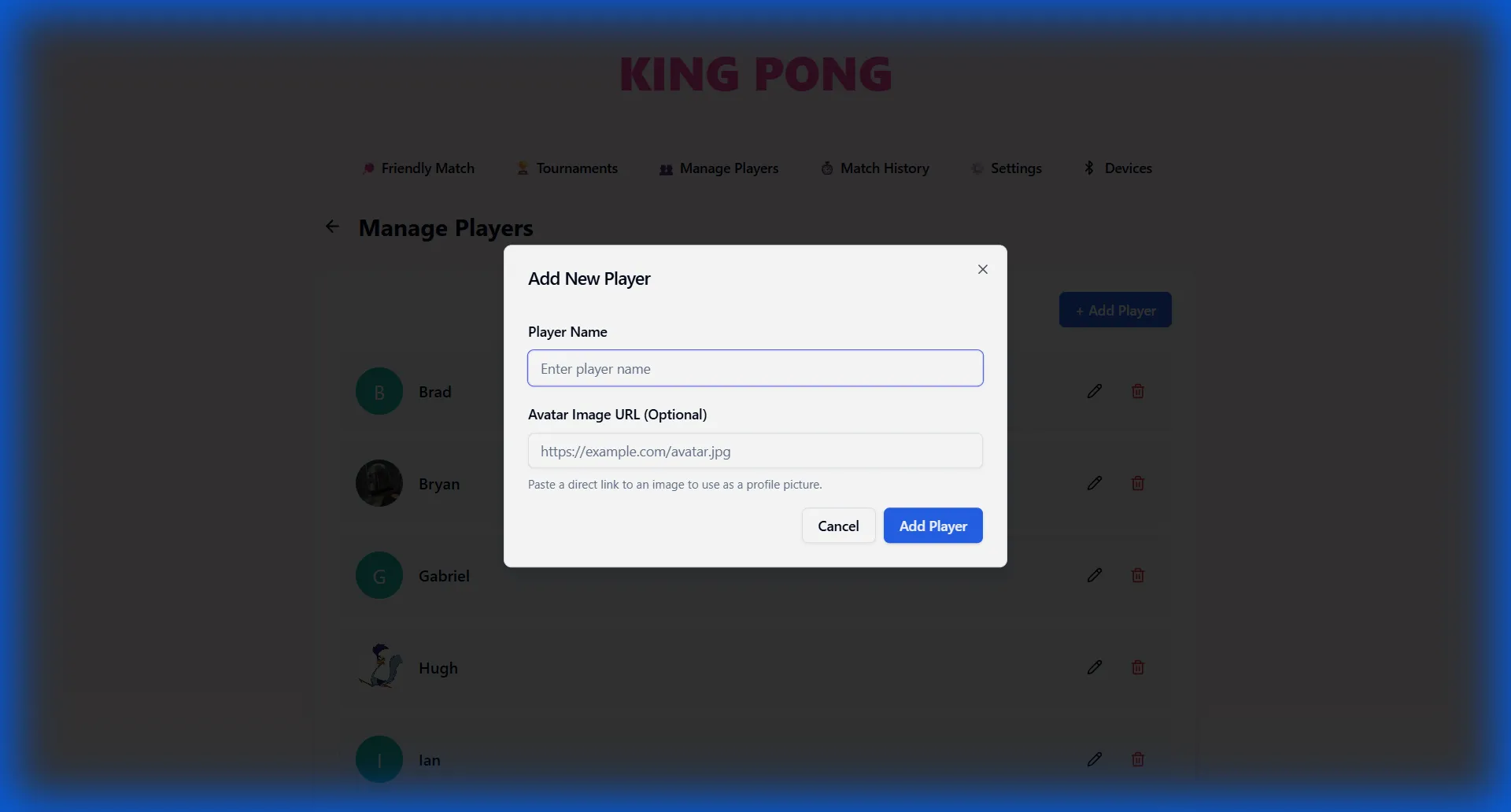
Section titled “3. Create the Profile”- Name: Use your real name, a nickname, or your wrestling persona. Keep it family-friendly… or don’t, we’re not the police.
- Avatar Image: Paste a URL to an image if you want to look cool. If you leave it blank, we’ll give you a spirited automated avatar that matches your vibe.
4. Edit or Remove
Section titled “4. Edit or Remove”Changed your name? Retirement? Use the pencil icon to edit a player or the trash can to remove them. Warning: Deleting a player removes their stats forever. That’s a heavy burden, so choose wisely.