
30-Second Setup
Welcome to King Pong! Whether you’re here for a serious tournament or just to see who buys the next round of snacks, getting started is super easy.
1. Start a Match
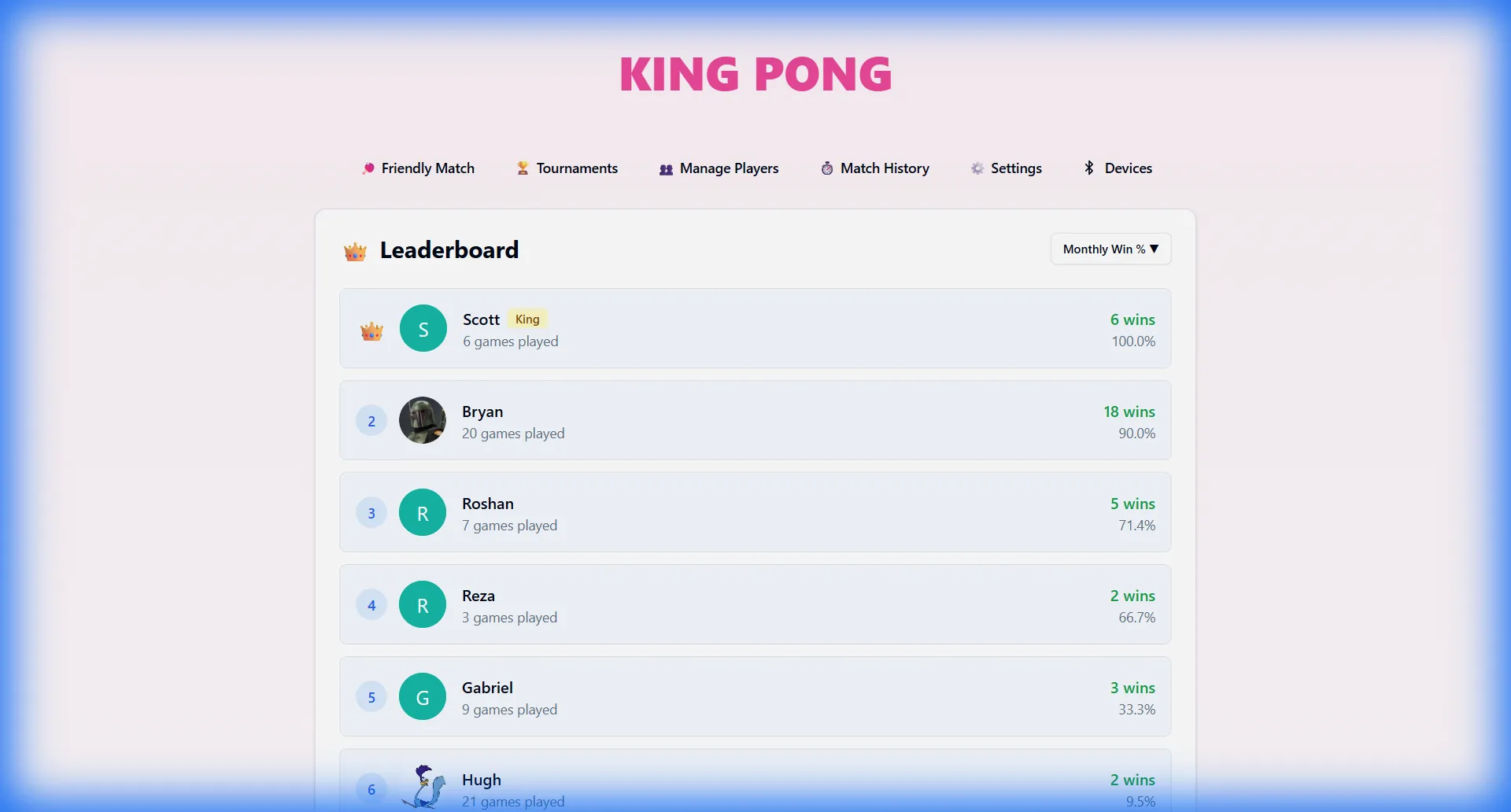
Section titled “1. Start a Match”See that big purple button on the dashboard? That’s your gateway to glory. Click Friendly Match to get things moving.
2. Choose Your Players
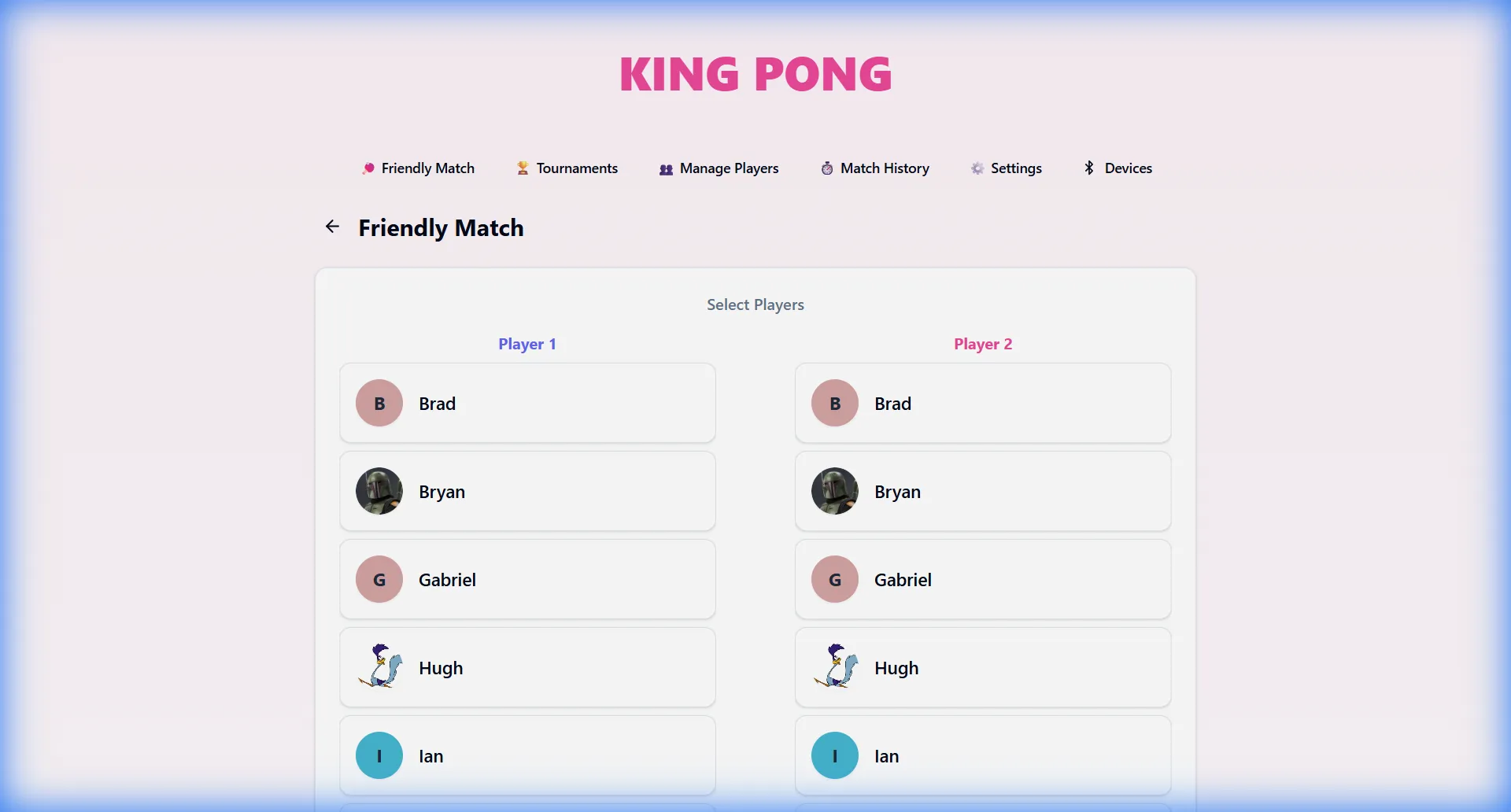
Section titled “2. Choose Your Players”Pick two players from the list. It’s okay to pick yourself (we won’t judge). Once you’ve selected the competitors, scroll down and hit Start Match.
3. The “Who Serves?” Moment
Section titled “3. The “Who Serves?” Moment”The app will ask “WHO SERVES FIRST?”.
- The Rule: Play a quick rally.
- The Action: The winner of the rally presses their button (or you tap their name on the screen). Game on!
4. Scoring Points
Section titled “4. Scoring Points”Tap the big score card to give a point.
- Oops? Hit Undo if you made a mistake.
- Wrong Side? Use Swap to switch positions.
5. Using Score Buttons
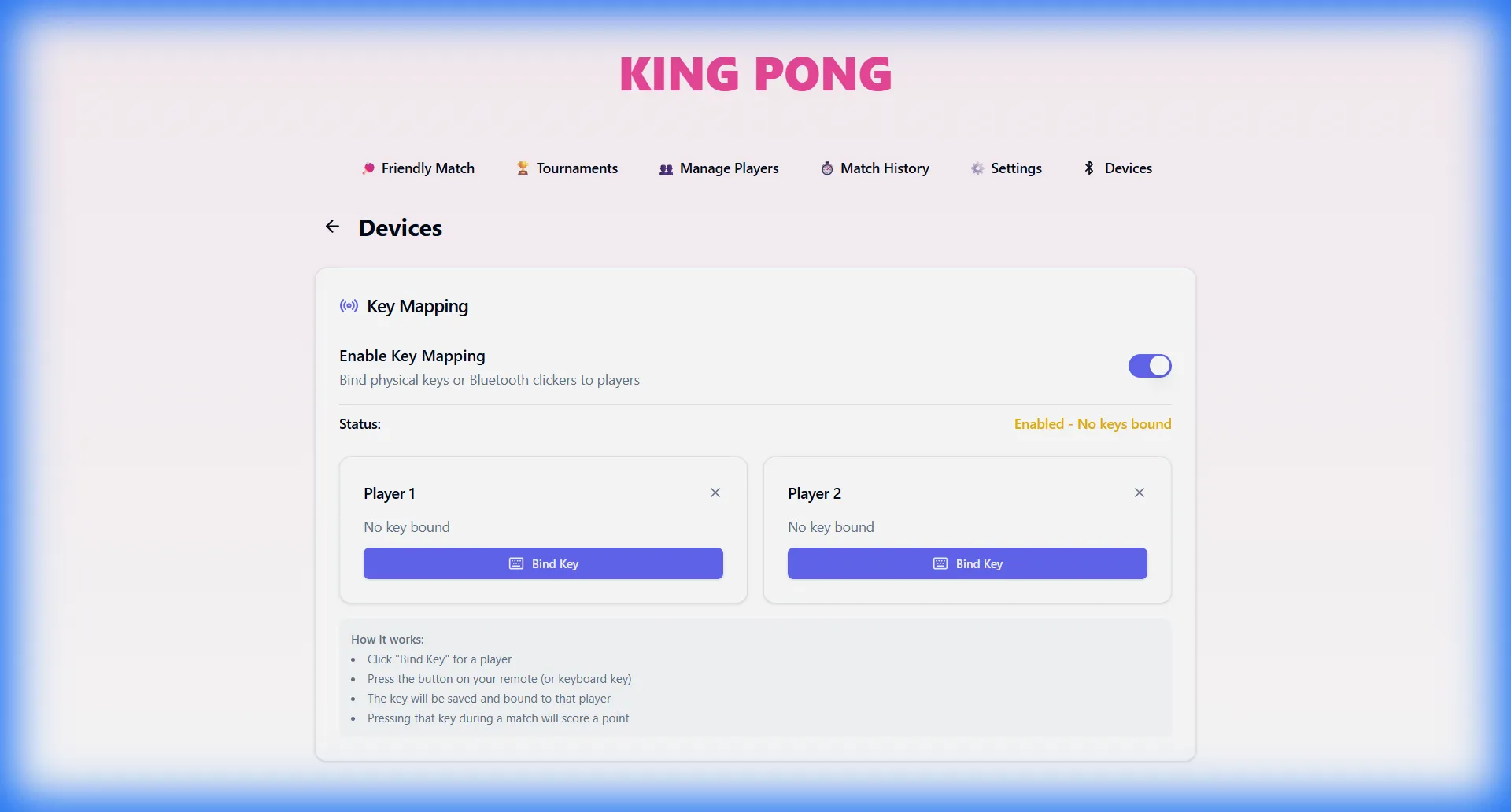
Section titled “5. Using Score Buttons”Got the official Bluetooth Score Buttons? Nice! They make scoring way more fun.
- Go to Devices in the menu.
- Flip Enable Key Mapping to ‘On’.
- Click Bind Key next to a player’s name.
- Press the button on your remote.
Now you’re ready to play. Remember: it’s not about winning, it’s about… okay, it’s mostly about winning. Have fun!