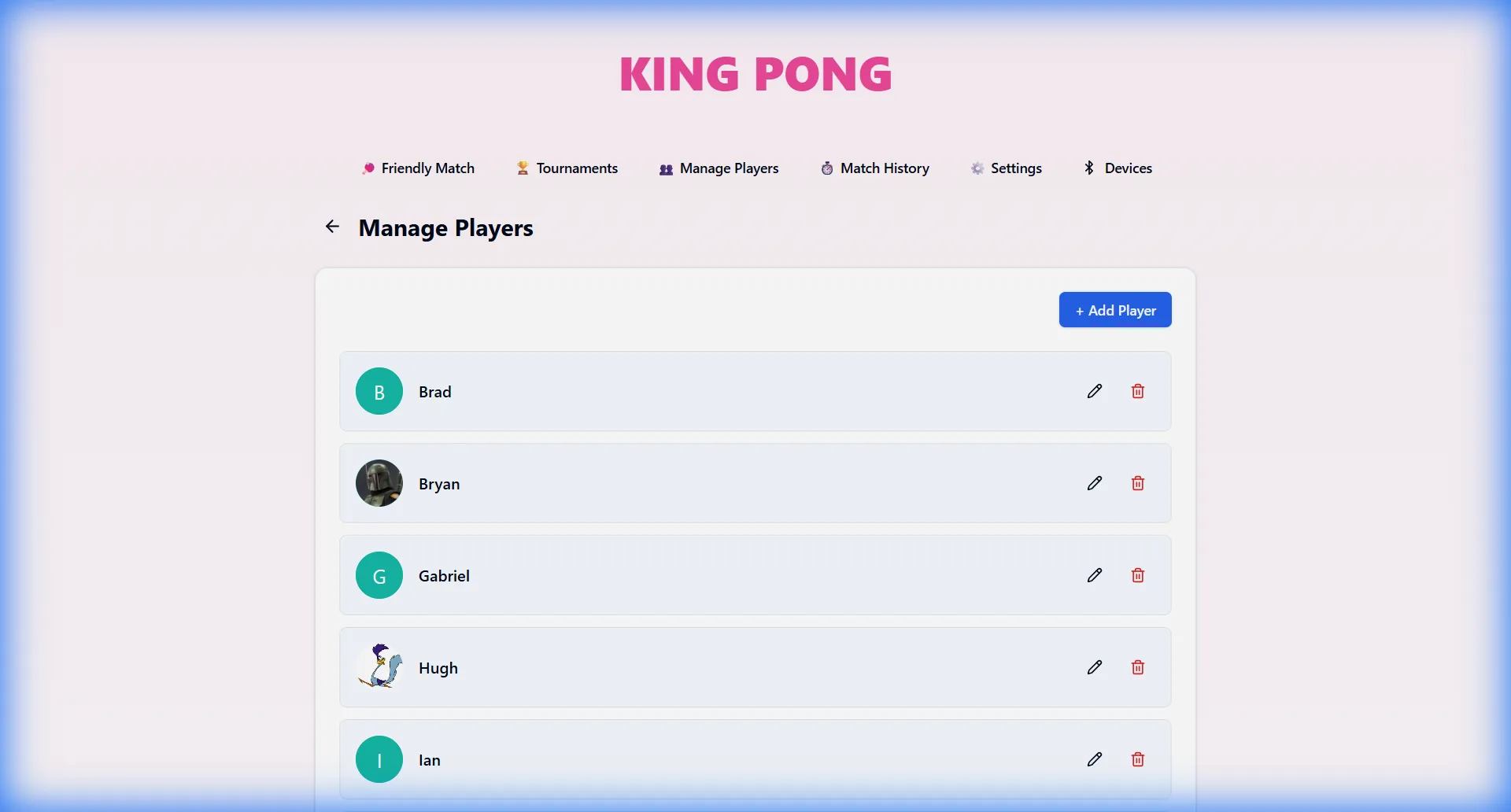
Managing Players
Your player database is the heart of the league. Keep it clean and updated.
Editing Players
Section titled “Editing Players”Did “Dave” legally change his name to “Thunder Dave”? No problem.
- Go to Manage Players.
- Find the player and click the Pencil Icon.
- Update the name or avatar URL.
- Click Save.
Deleting Players
Section titled “Deleting Players”If someone leaves the company (or retires from the league), you can remove them.
- Go to Manage Players.
- Click the Trash Can Icon.
- Warning: This deletes their match history and stats. It’s like they never existed.